Transforming Faded Photos into Timeless Family Heirlooms: A Complete Guide
Introduction: The Power of Preserved Memories
Every family owns a collection of photographs—snapshots of milestones, celebrations, and everyday life that together tell a powerful story. Yet time is rarely kind to these fragile keepsakes. Photos left in drawers, boxes, or frames often fade, crack, or discolor, leaving treasured faces and places nearly unrecognizable.
Transforming these deteriorated images into lasting family heirlooms isn’t just about technique—it’s about preserving your family’s legacy. Thanks to modern tools like digital editing software and artificial intelligence (AI), restoring old photographs has never been easier or more accessible. What once took months of manual work can now be achieved with incredible precision in a fraction of the time.
This guide will walk you through why photos fade, the restoration process, ethical considerations, creative possibilities, and best practices for preserving restored images so you can safeguard your family’s memories for generations to come.
Why Do Photographs Fade? Understanding the Enemies of Preservation
- Light Exposure
Ultraviolet (UV) light from the sun and even indoor lighting causes photodegradation, breaking down the dyes and chemicals in photo paper. Over time, this results in faded colors and a loss of sharpness.
- Poor Storage & Handling
Moisture, dust, fingerprints, tape residue, smoke, and temperature fluctuations all accelerate deterioration. Even natural skin oils can stain and damage fragile prints.
- Materials Used
Many older photos were printed on fiber-based paper or mounted on acidic cardstock, which naturally breaks down with age. Mold, also known as “foxing,” can appear on prints stored in damp places. For better photo printing, click here.
Recognizing the cause of damage is the first step toward restoring and preventing further loss.
The Photo Restoration Process: From Digital Magic to Artistic Renaissance
Step 1: Assess the Damage
Before restoring, examine the photo closely. Is it faded evenly or in patches? Are there tears, creases, or water stains? Knowing the type of damage helps you choose the right restoration method.
Step 2: Digital Restoration Techniques
Editing software such as Adobe Photoshop has revolutionized how we restore photos. Common techniques include:
- Color correction—Balances faded or shifted tones.
- Contrast and brightness adjustments—Restores vibrancy and depth.
- Curves tool—Brings out hidden details in shadows and highlights.
- Healing and clone tools—Repair scratches, dust, and blemishes.
- Content-aware fill—Rebuilds missing areas of a photo.
For beginners, simplified apps and online editors can provide quick fixes without advanced knowledge.
Step 3: AI Photo Restoration
AI technology has changed the game. Machine learning tools analyze damaged images and intelligently reconstruct details. This makes it possible to:
* Restore faded colors.
* Repair missing textures.
* Upscale low-resolution photos without losing quality.
* Even colorize black-and-white photos with realistic results.
AI is especially useful when time is limited or when photos are badly damaged.
Step 4: Professional Services
For irreplaceable photos or severe damage, professional restoration services remain the gold standard. Skilled artists combine technical expertise with creative judgment, ensuring historical accuracy while reviving the photo’s emotional impact. If you need a professional to restore your photo, click on this
Ethical Considerations: Restoring Without Rewriting History
Restoration isn’t just technical—it’s also ethical. Adjusting contrast or removing scratches is one thing, but altering historically significant details is another. For example, removing an accessory or changing clothing colors might distort family history.
Experts recommend documenting changes and keeping copies of the original photo alongside restored versions. This way, future generations know what was preserved, what was repaired, and what may have been artistically interpreted.
Creative Possibilities: Beyond Simple Restoration
Colorization
Black-and-white photos can be colorized to make ancestors feel more alive and relatable. This process should be done thoughtfully, balancing artistic expression with historical accuracy.
Artistic Enhancements
Restored images can be turned into canvas prints, wall art, or included in family history books. Custom framing adds another layer of meaning, transforming a photo into a centerpiece heirloom.
Storytelling Through Photos
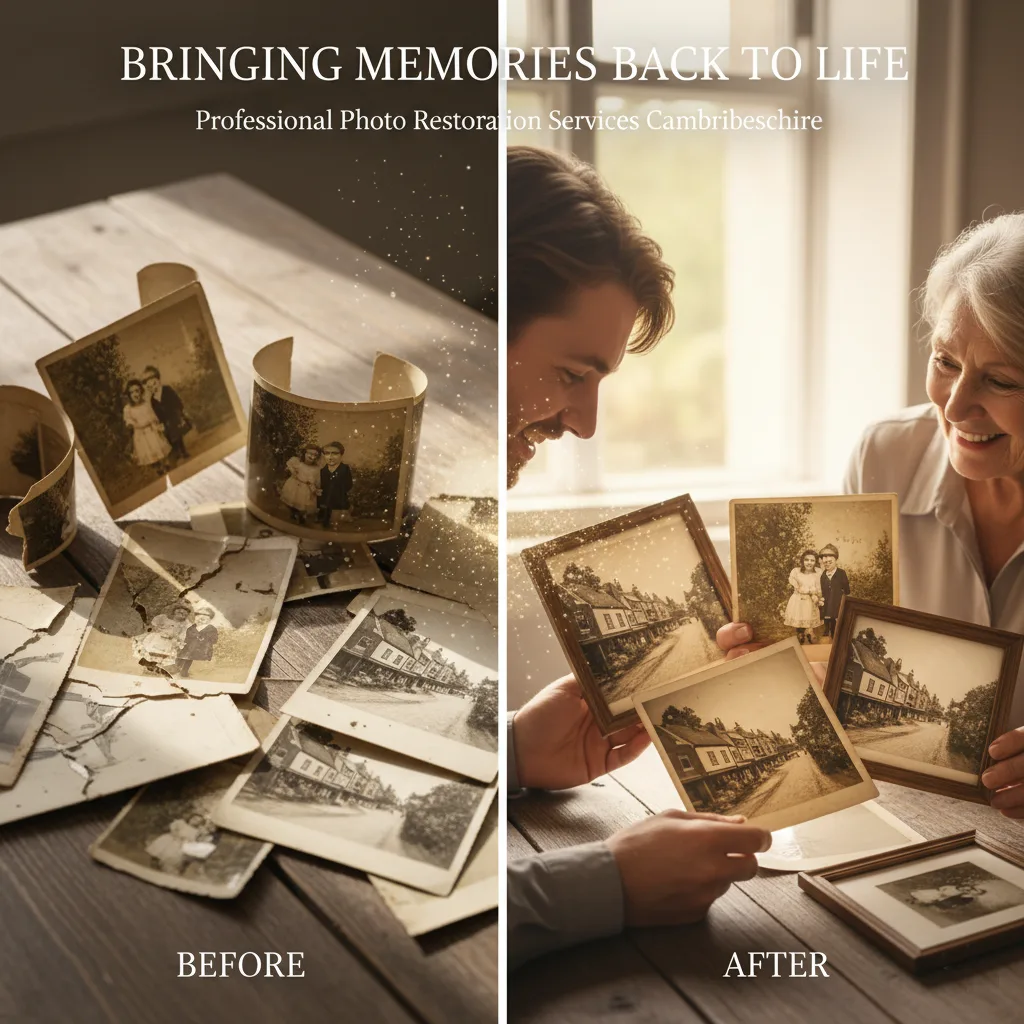
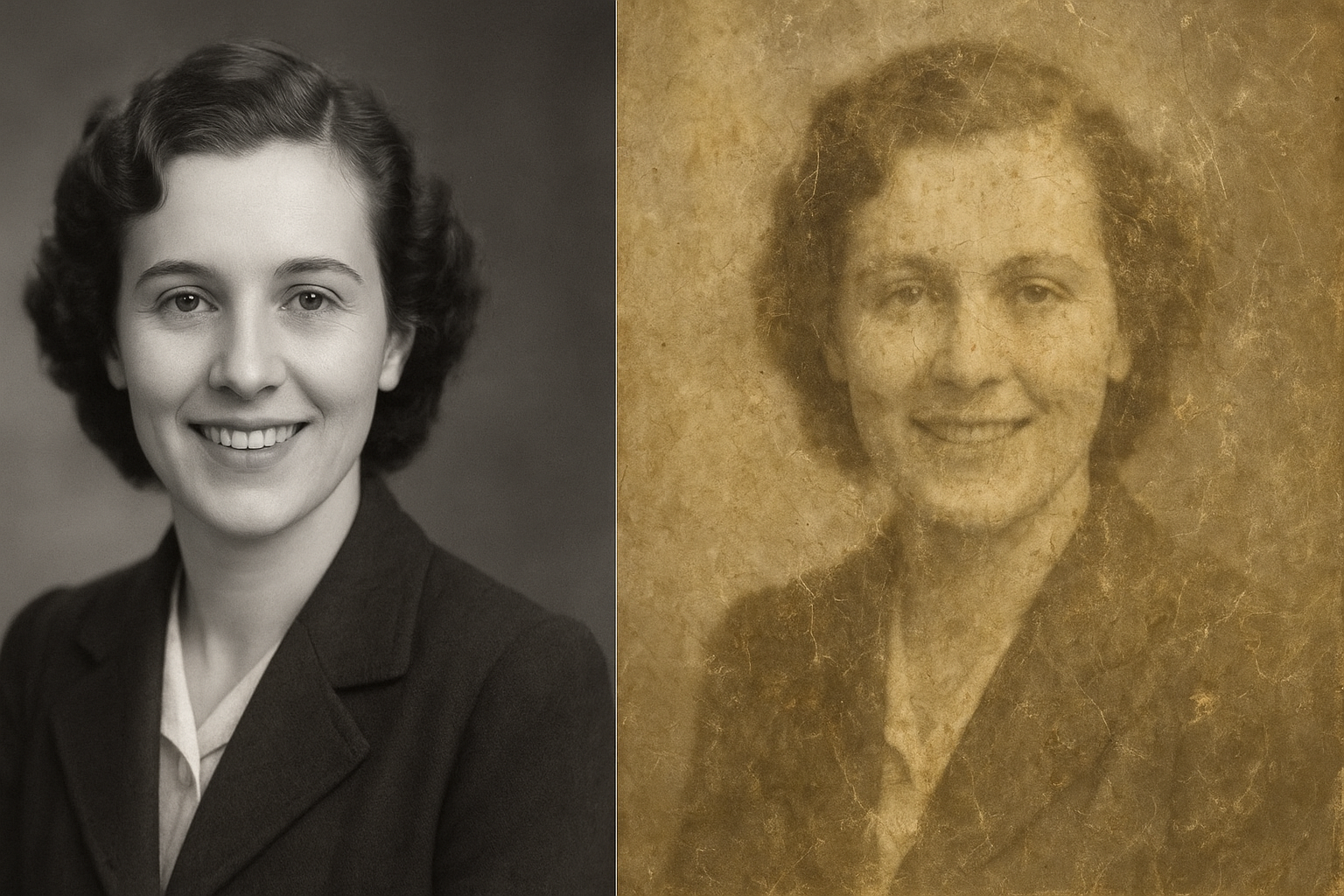
Pairing restored photos with captions, oral histories, or side-by-side “before and after” displays helps connect future generations with their family story.
Preserving Restored Photos: Ensuring Longevity
Archival Storage
- Use acid-free, lignin-free albums, mats, and boxes.
- Store in cool, dry environments away from direct sunlight.
- Handle prints with clean, dry hands to prevent damage.
Digital Preservation
Save files in lossless formats like TIFF or PNG for archival storage.
Keep multiple backups—external drives, cloud storage, and family copies.
Embed metadata (date, restoration notes, family names) into files for future reference.
Sharing Across Generations
Create digital family albums or genealogy projects.
Share restored photos online to connect with relatives worldwide.
Pass down both digital and printed copies to ensure longevity.
Conclusion: Your Family’s Visual Legacy Awaits
Restoring old photographs is more than a technical task—it’s an act of love. Each repaired scratch or revived color is a way of honoring the past and ensuring the stories behind those images live on. Whether you experiment with DIY editing tools, use AI restoration software, or invest in professional services, the key is to start before further damage occurs.
Your family’s history deserves to be seen in its full vibrancy. With today’s tools, you can transform faded, fragile photographs into timeless family heirlooms that inspire and connect generations to come.
Frequently Asked Questions About Photo Restoration
- What is the best way to restore old photos?
The best method depends on the photo’s condition. For minor fading, DIY editing software works well. For severe damage, AI photo restoration tools or professional services are recommended.
- Can AI restore damaged photos?
Yes. AI photo restoration software uses advanced algorithms to repair faded colors, reconstruct missing details, remove scratches, and even colorize black-and-white photos with stunning accuracy.
- Is it better to restore photos myself or hire a professional?
DIY tools are perfect for quick fixes, but professionals are best for irreplaceable family heirlooms or heavily damaged photos. They bring both technical expertise and artistic judgment.
- How do I prevent my restored photos from fading again?
Use acid-free albums or archival boxes, avoid exposure to direct sunlight, and store in a stable, dry environment. Digitally, save in lossless formats like TIFF or PNG and keep multiple backups.
- Can black-and-white photos be restored and colorized?
Absolutely. Colorization adds new life to old portraits, helping families connect emotionally with past generations. However, it should be done carefully to maintain historical authenticity.
- How much does professional photo restoration cost?
Costs vary depending on the level of damage and the complexity of the work. Basic fixes may cost less, while severely damaged or torn photos typically require more time and expertise, increasing the price. Check for prices here
- How long does photo restoration take?
DIY or AI restoration can be done in minutes to hours. Professional services usually take a few days to a couple of weeks, depending on the extent of restoration required.